Registry
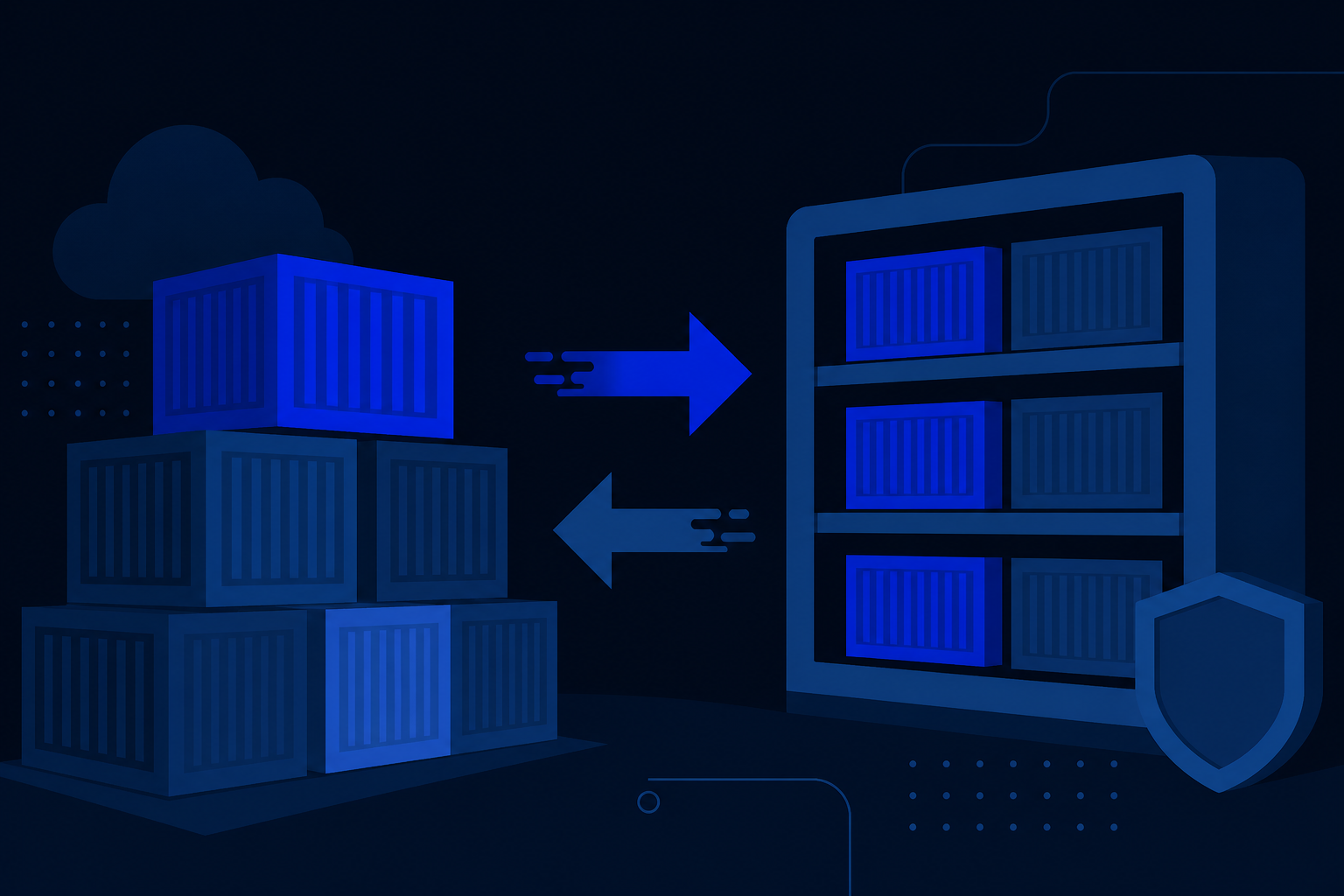
The Registry is your organization container registry. Push application images here, create robot/access tokens for CI, and optionally use proxy caching for upstream public images.
When to use it
- Store private images for cluster deployments
- Give CI/CD a scoped token to push/pull
- Reduce pulls of popular public images via proxy cache (where enabled)
In the portal
- Open Registry.
- Browse projects and repositories for your organization.
- Create an access token with the least privilege your pipeline needs.
- Log in with Docker/BuildKit using the registry host shown in the UI, then push tags your clusters will pull.
docker login <registry-host>
docker tag my-app:1.0 <registry-host>/<project>/my-app:1.0
docker push <registry-host>/<project>/my-app:1.0
Reference the image in Deployments/Pods as usual. Rotate tokens when people or pipelines change.