Clusters
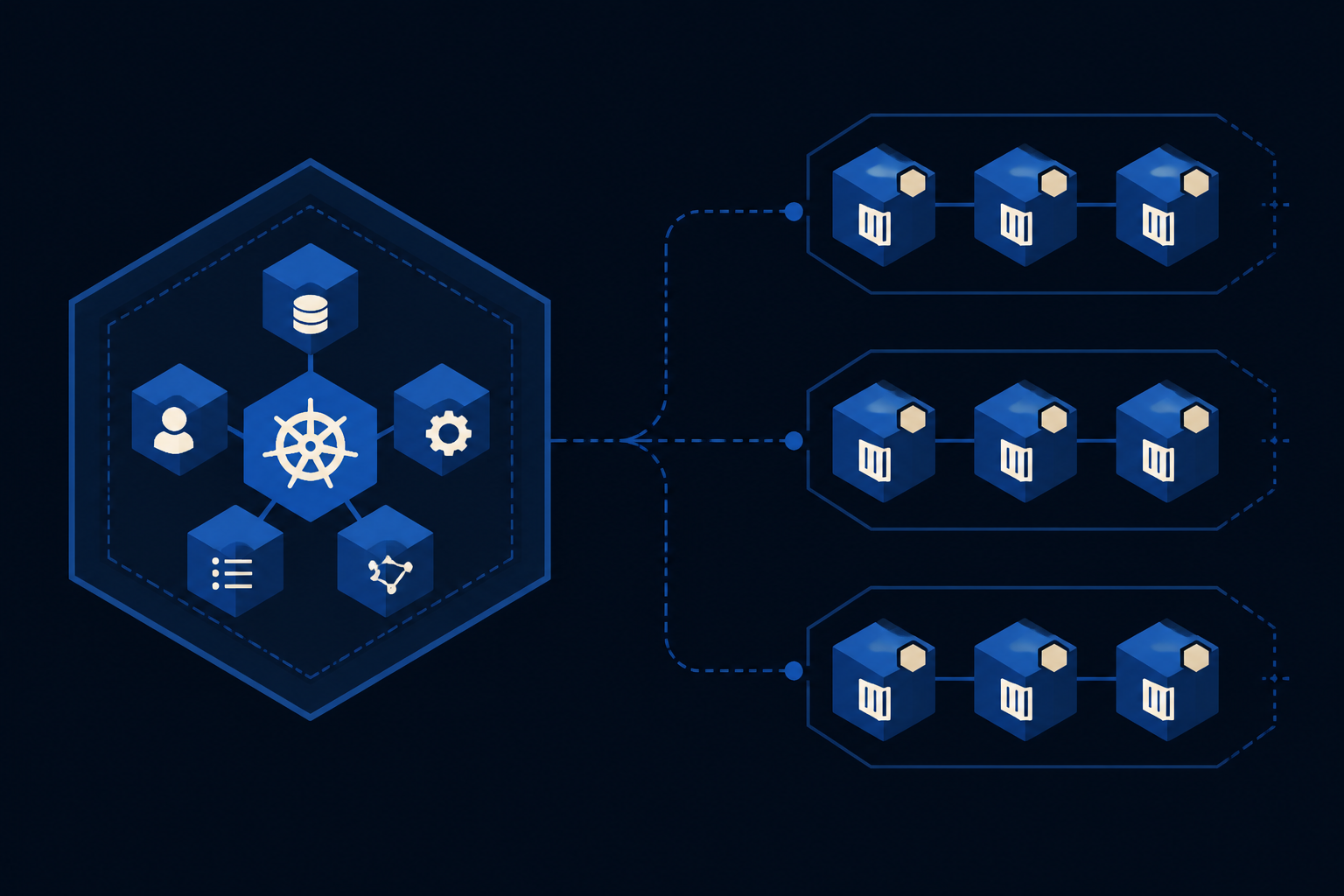
A cluster is a managed Kubernetes control plane plus worker node pools. You choose region, Kubernetes version, node sizes, and a CNI (cilium or calico). Kloude operates the control plane; you run workloads with kubectl, GitOps, or the in-portal cluster console.
When to use it
- Host microservices, batch jobs, or stateful apps on Kubernetes
- Scale node pools as demand changes
- Inspect workloads from the portal without leaving your browser
In the portal
- Go to Clusters and create a cluster.
- Select region, version, network plugin, and at least one node pool.
- Wait until the cluster is ready, then download kubeconfig.
- Open the cluster detail view to use the left console (sections below).
- Delete only when workloads and dependent disks/IPs are no longer required.
kubectl --kubeconfig=./kubeconfig get nodes
kubectl --kubeconfig=./kubeconfig get pods -A
Overview
The Overview tab summarizes cluster status, region, version, and high-level health so you can confirm the cluster is ready before deploying workloads.
Node pools
Node pools are groups of worker nodes with a shared size and capacity. Scale pools up or down when CPU/memory demand changes, or add another pool for a different SKU.
Cloud Shell
Cloud Shell opens an in-browser terminal against the cluster so operators can inspect resources without installing local tools. Prefer kubeconfig plus least privilege for automation; use Cloud Shell for interactive diagnostics.
Deployments
Browse and manage Deployments in selected namespaces. Use this panel to see replica status and apply common Deployment manifests from the portal when you do not want to switch to kubectl.
Pods
The Pods panel lists running and failed pods so you can spot CrashLoopBackOff, pending schedules, or misconfigured images quickly.
Services
Services expose pods inside the cluster (ClusterIP) or externally via LoadBalancer and NodePort patterns. Creating a LoadBalancer Service ties into Networking and KloudLB public IPs.
Ingress
Ingress resources describe HTTP(S) routing to Services. Use this tab to review host/path rules once your ingress controller and DNS are in place.
Persistent Volume Claims
Persistent Volume Claims request durable storage for stateful workloads. Pair claims with Disks and CSI-backed volumes so data survives pod restarts.
Storage Classes
Storage Classes define how dynamic volumes are provisioned. Pick the class your platform exposes when creating PVCs for databases and queues.
Config Maps
Config Maps hold non-sensitive configuration mounted or injected into pods. Keep secrets out of Config Maps; use the Secrets tab or an external secret manager.
Secrets
Secrets store sensitive configuration references for workloads. Manage them carefully in the portal; never paste private keys into tickets or docs.
Service Accounts
Service Accounts identify workloads to the Kubernetes API. Use them with RBAC so pods only get the API access they need.
Network Policies
Network Policies constrain pod-to-pod and egress traffic inside the cluster. Combine them with Firewall rules on public IPs for defense in depth.
Events
Events show recent cluster messages (scheduling failures, pulls, probes). Start here when a Deployment or Pod is stuck pending or crash-looping.